The Kidly is a platform connecting educational institutions (such as preschools, schools, and others providing childcare or education services, e.g., libraries, community centers, etc.), parents and guardians, and service providers and suppliers offering services and products for children and institutions (e.g., extracurricular activities, theater performances, catering, etc.).
You can choose one of the following roles in the system:
Parent or Guardian
Institution Director or Teacher
Service Provider
For each type of user, we have prepared instructions to guide you through the registration process and help you use the system efficiently.
If the materials we’ve prepared don’t answer your question, feel free to use the form available on the Contact page.
Getting started – Institution details – Creating groups – Registering children and assigning them to groups
Activities at the institution – Searching for activities and their types – Selecting an offer and schedule – Assigning a group to a time slot
Service Provider
User guide in preparation.
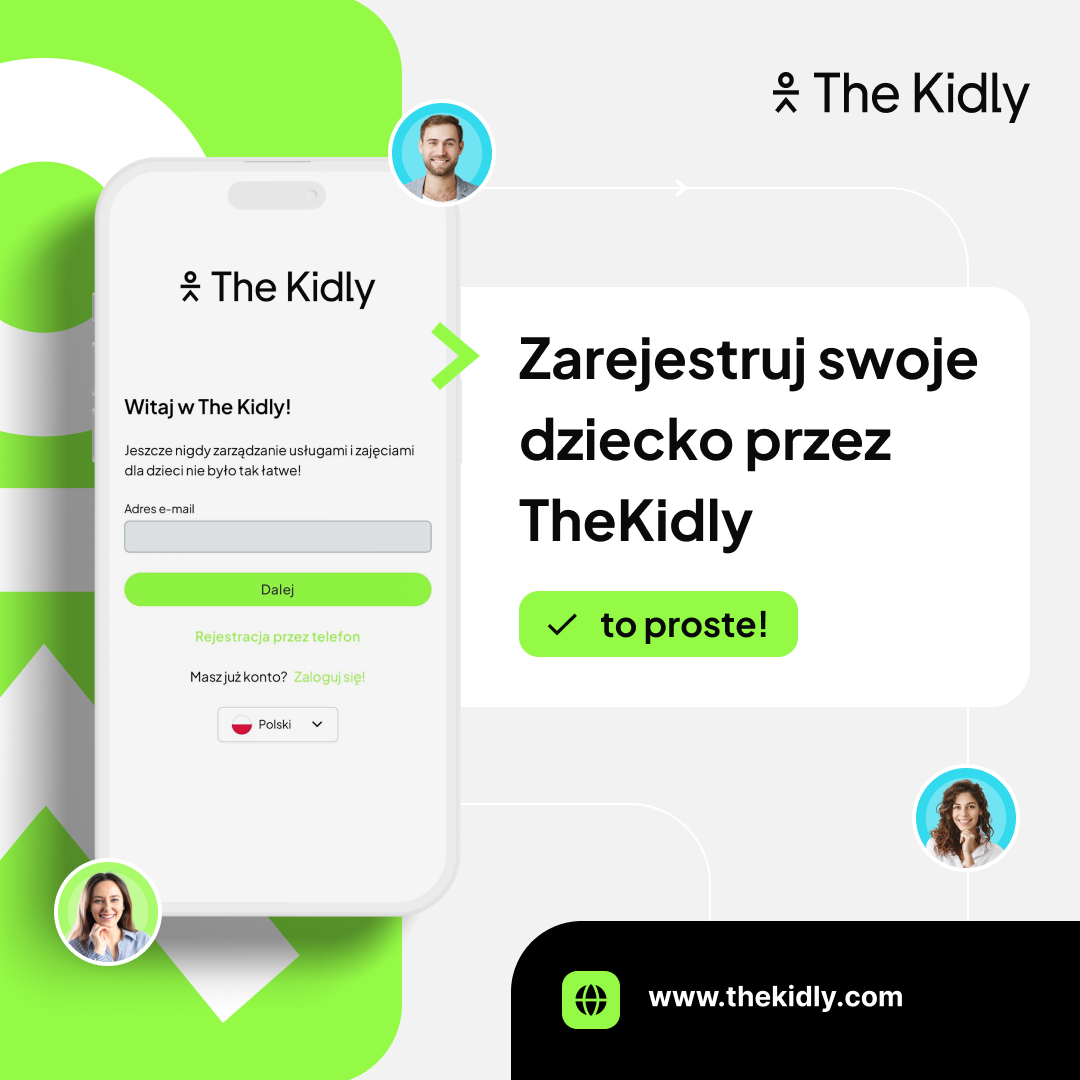
Materials and banners to download
We’ve prepared a series of banners you can place on your institution’s website to make it easier for parents and guardians to register with TheKidly and enroll in activities.